The designer
Build a page by pointing at it. Questions as cards, the Google Forms way; a record’s page in the viewer’s own grid, fields dropped where a gap opens; a list of records by its columns. Pick anything to type its words where it stands; check it, publish it, and open an earlier version again. Nothing you do here is saved.
Start from 6
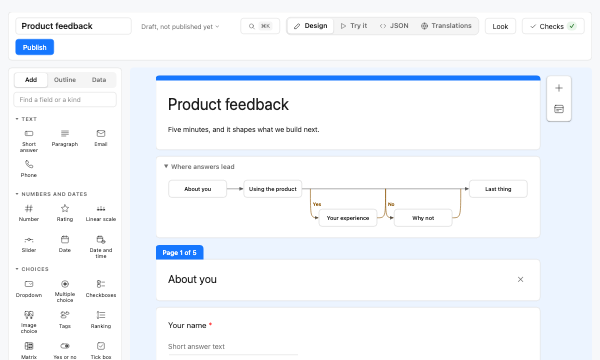 A survey, the Google Forms way
Questions as cards: open one to type its words and options where it stands, switch its kind, see where each answer leads, and try it.
Opens the designer
A survey, the Google Forms way
Questions as cards: open one to type its words and options where it stands, switch its kind, see where each answer leads, and try it.
Opens the designer
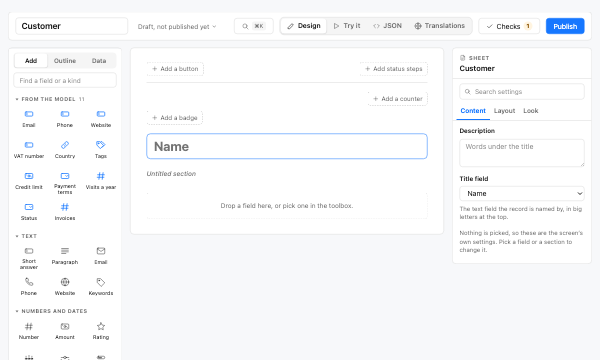 A customer record
The customer model’s fields first in the toolbox; status steps, buttons, counters and badges over the card; a made-up customer to fill it.
Opens the designer
A customer record
The customer model’s fields first in the toolbox; status steps, buttons, counters and badges over the card; a made-up customer to fill it.
Opens the designer
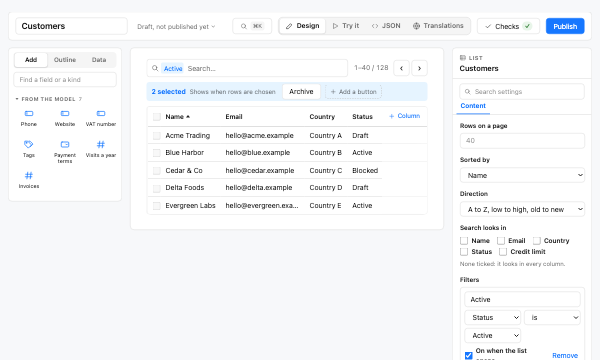 A list of customers
Columns dragged along the row or dropped in from the toolbox; filters, groupings and buttons for the rows chosen.
Opens the designer
A list of customers
Columns dragged along the row or dropped in from the toolbox; filters, groupings and buttons for the rows chosen.
Opens the designer
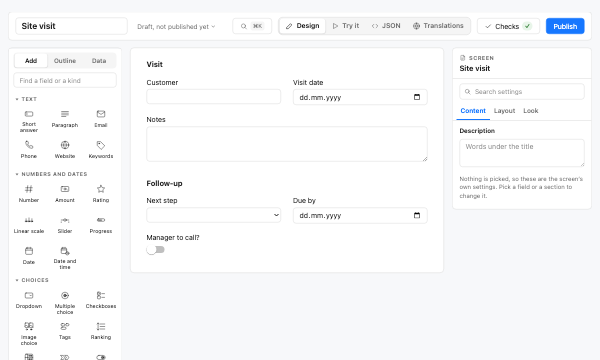 An app screen
Sections in the viewer’s own grid: drag a field and a gap opens where it lands; pick one to type its words and set its kind in place.
Opens the designer
An app screen
Sections in the viewer’s own grid: drag a field and a gap opens where it lands; pick one to type its words and set its kind in place.
Opens the designer
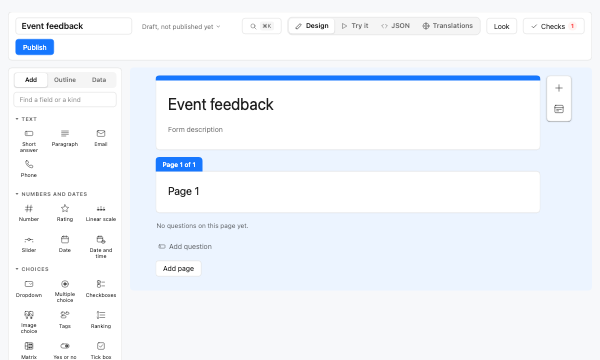 A survey from nothing
An empty survey: add questions from the toolbox, the bar beside the card, or ⌘K.
Opens the designer
A survey from nothing
An empty survey: add questions from the toolbox, the bar beside the card, or ⌘K.
Opens the designer
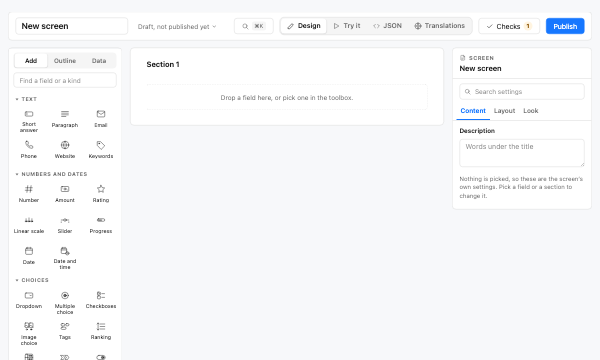 A screen from nothing
An empty screen: drop fields in from the toolbox, then check it and publish it.
Opens the designer
A screen from nothing
An empty screen: drop fields in from the toolbox, then check it and publish it.
Opens the designer